
Why does an automatic tool changer stop mid-cycle on a CNC machine?
Author
Date Published
Reading Time
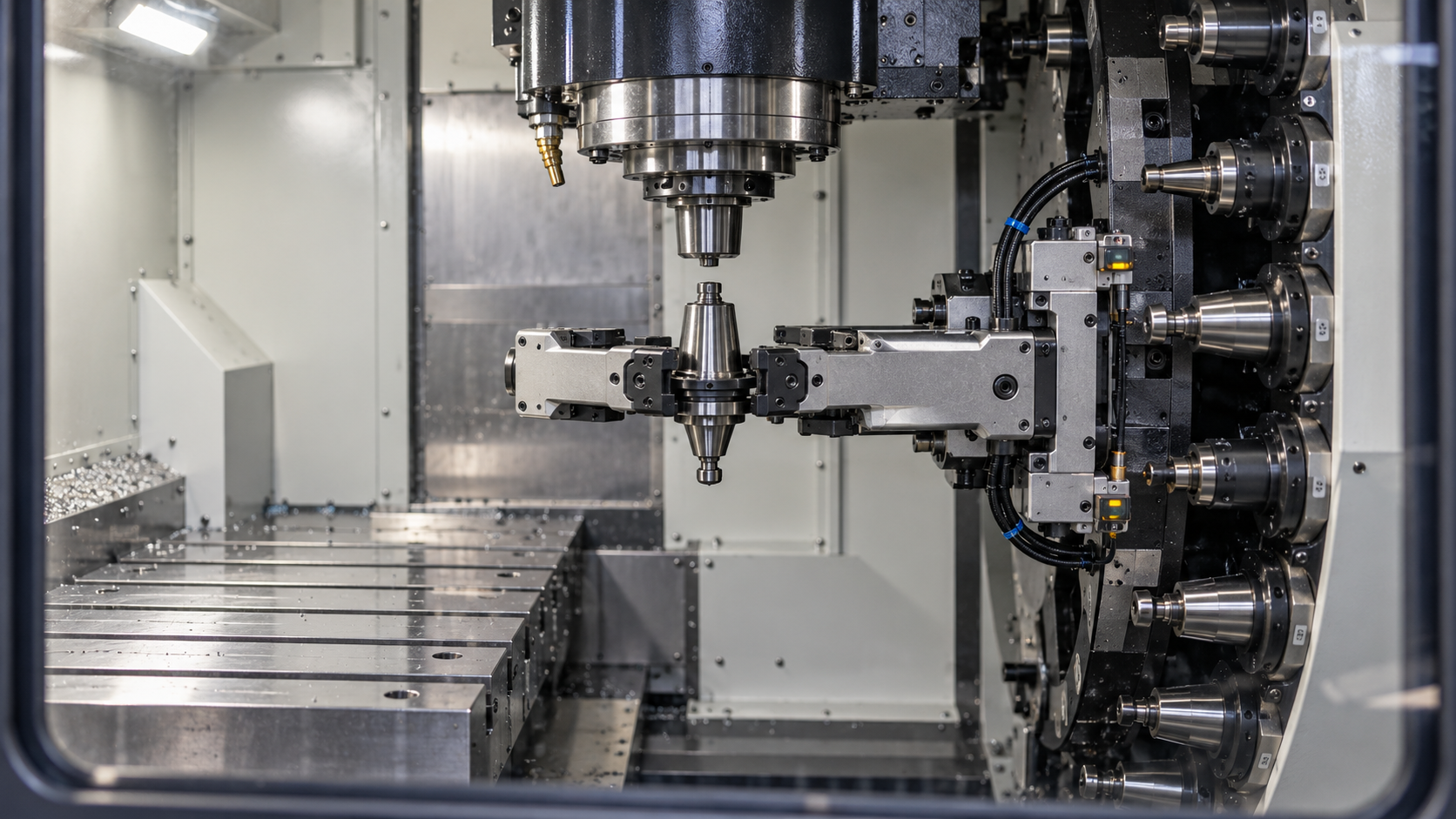
Why does an automatic tool changer stop mid-cycle on a CNC machine?
When an automatic tool changer stops mid-cycle, the cause may be low air pressure, a missing sensor signal, tool misalignment, or an unmet spindle-orientation interlock—not necessarily a failed component. The control may simply be waiting for confirmation that the previous movement finished safely.
For automatic tool changer CNC troubleshooting, the priority is to identify the interrupted sequence without causing a collision or losing track of tool positions. Alarm history, the physical stopping point, and machine-specific interlocks usually provide a better starting point than replacing whichever component appears closest to the fault.
Preserve the fault before trying to clear it
Repeatedly pressing reset can erase useful context without correcting the problem. Before attempting recovery, record the complete alarm text and number, the requested tool, the spindle tool, and the magazine pocket involved. Photograph the mechanism from outside the guarded area if this can be done safely. Note whether the fault appeared during startup, after several hours of production, or immediately after maintenance.
Keep people out of the enclosure and the tool changer’s movement envelope. If a tool is partly retained, or an arm is suspended between positions, treat it as unstable. An emergency stop does not necessarily remove pneumatic pressure, hydraulic pressure, gravity loads, or stored spring energy.
Before entering the hazard area, inspecting by hand, or removing covers, follow the machine’s energy-isolation procedure and safely control stored energy. Live diagnostics belong to qualified personnel using the manufacturer’s approved procedure. Never bridge a sensor or defeat a guard interlock to force the sequence onward.
Find the last movement that actually completed
An ATC alarm often identifies the step that timed out, not the component that caused it. “Arm not home,” for example, does not prove the home sensor is defective. The arm may have failed to move because its drive was inhibited, or it may have stopped short because of interference.
On a typical double-arm changer, the sequence includes positioning the spindle, orienting it, presenting the selected pocket, engaging the tools, releasing the spindle tool, exchanging tools, clamping, and returning the mechanism. The exact order varies. Umbrella changers and chain magazines have different movements and confirmation requirements, so use the machine’s sequence chart rather than a generic recovery video.
The useful question is: what happened last, and what confirmation was required next? A pocket that lowered but never triggered its down-position input is a different fault from a pocket that received no lowering command.
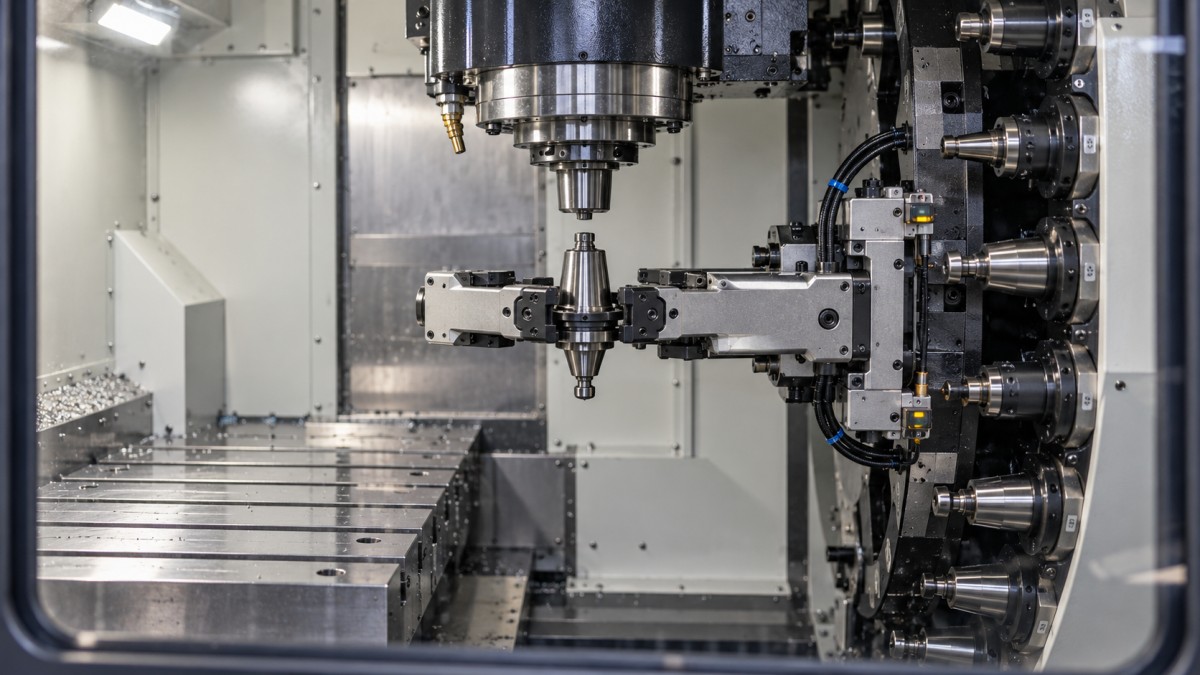
Where the controller provides sequence diagnostics, compare the active step with the relevant inputs and outputs. Signal names, addresses, and polarity are machine-specific. A lit diagnostic bit is not automatically proof that a mechanism is safely positioned.
When pressure is present, but movement is still incomplete
A regulator gauge can look normal while the machine is idle and drop during tool release or pocket movement. That makes static pressure a weak test by itself. Compare the supply against the machine builder’s specified pressure and flow requirements, including behavior during the affected operation where this can be checked safely.
Restricted filters, undersized supply hoses, leaks, a sticking valve, or restricted exhaust can prevent an actuator from completing its stroke in time. Where hydraulic actuation is used, pressure and delivery problems can produce a similar symptom. The result may be reported as a position timeout rather than a pressure alarm.
Consider a changer that works at the beginning of a shift but stops when other air-consuming equipment starts. Shared supply demand deserves investigation before replacing a cylinder. Conversely, if only one movement is slow while other pneumatic functions remain normal, focus on that branch circuit, valve, actuator, and mechanical load.
Do not increase pressure beyond the specified setting to overcome resistance. Excess force can conceal binding and damage tooling or changer components. Likewise, extending a timeout is not a repair unless the manufacturer has confirmed that the timing is appropriate for the configuration.
Separate a missing signal from a missing movement
Position sensors are common suspects because the control depends on them. They are also easy to blame incorrectly. A proximity switch cannot confirm a pocket position that the pocket never reached.
If the mechanism appears fully positioned but the expected input is absent, inspect the sensing target, mounting security, contamination, cable condition, and connector integrity under the appropriate isolation procedure. Coolant ingress, a damaged cable in a moving section, or a shifted bracket can cause intermittent faults without an obviously broken sensor.
A sensor’s indicator light is useful evidence, but it does not prove the CNC receives the signal. Qualified electrical checks may need to distinguish the sensor output from the input seen by the controller. Any energized testing must follow the machine’s electrical safety procedures.
Avoid moving a switch merely to make its input change. Its location may define a safety-critical confirmation window. An incorrect adjustment can tell the control that an arm is clear when it is still inside the spindle’s path.
Check spindle orientation and tool-change position
If the spindle reaches the change area but the arm never engages, check whether orientation and axis-position conditions were satisfied. A spindle that appears stationary has not necessarily reached its commanded orientation. The control may still be waiting for an orientation-complete signal or a drive-ready condition.
Depending on the spindle design, orientation faults may involve encoder feedback, drive status, a mechanical orienting device, or alignment between the spindle and tool-change mechanism. Recent spindle work, encoder replacement, or a collision makes these checks especially relevant. The correct inspection depends on the machine’s configuration; there is no universal orientation parameter to change.
Also verify the specified tool-change axis position and reference status. A machine can appear close to the correct location while still failing its position window. Do not jog an axis toward a partly engaged changer to “help it line up.” Clearance and recovery motion must be established from the manufacturer’s instructions.
If the stop follows one tool or pocket, inspect the interface
A fault involving different tools and pockets suggests a different investigation from one that repeatedly involves the same combination. Tool-specific failures justify checking holder compatibility, retention hardware, tool mass, diameter, length, and any adjacent-pocket clearance restrictions against the machine’s limits.
A holder can fit the spindle taper yet still have incompatible retention hardware or an unsuitable flange interface. Chips on mating surfaces, damaged gripper grooves, worn pocket fingers, and incorrect retention knobs can interfere with pickup or release. Do not continue cycling a questionable holder to see whether it seats eventually.
If the arm reaches the spindle but extraction does not occur, investigate the release conditions before blaming arm torque. Depending on the design, incomplete unclamping, inadequate release stroke, or taper sticking may be involved. Drawbar condition and clamping force require the specified inspection methods and suitable equipment—not an improvised pull test.
Where faults consistently involve one pocket, inspect that pocket’s retention mechanism and alignment. Where they follow one holder, focus on the holder and tool assembly. Controlled substitution can help distinguish these patterns, but only after safe recovery and confirmation that the substitute meets the machine’s requirements.
Recover the sequence without corrupting tool tracking
Correcting the original fault does not automatically make the machine ready to resume. After an interrupted exchange, the controller’s tool table may no longer match the tools physically held in the spindle, arm, and magazine.
Use the machine-specific ATC recovery procedure. Establish the actual mechanism positions and tool identities before issuing recovery commands. On machines with random-pocket management, pocket number and tool number are not interchangeable. Editing the table until an alarm disappears can create a wrong-tool event on the next cycle.
Following repair, verify the affected operation under the manufacturer’s prescribed test conditions, with guards active and personnel clear. Confirm tool retention, arm and pocket return positions, and tool-table agreement. A successful exchange with a light tool may not validate a problem previously associated with a heavier approved assembly or fluctuating air demand.
When to stop troubleshooting and involve the builder
Escalate when there is evidence of collision damage, uncertain tool retention, lost mechanical timing, repeated overload, or disagreement between physical position and sequence status that cannot be explained safely. Changing sequence logic or undocumented parameters to suppress a stop can remove the protection that prevented a collision.
Send support the machine model and serial number, control version, alarm history, stopping position, relevant diagnostic states, and recent maintenance details. If replacement parts are needed, confirm the builder’s part number and revision. A visually similar sensor, valve, or gripper from another supplier may have different electrical characteristics, travel, or geometry.
The repair decision should follow the evidence: restore the supply if actuation is inadequate, repair the signal path if confirmation is missing, and correct alignment or tooling only after identifying the mismatch. Before returning the machine to production, verify both the completed movement and the control’s understanding of where every affected tool now sits.
Facing technical bottlenecks in manufacturing or looking for more efficient industrial solutions? Leave your details below and let the engineering experts at GIi solve them for you.
“We respect your privacy. Your information is strictly confidential.”
Technical Specifications
- How to verify the consistency of PVC resin from a supplier in EuropeAuthor :Polymers & Rubber Editorial Team
- How to choose polyethylene grades in Saudi Arabia for film productionAuthor :Polymers & Rubber Editorial Team
- US Finds Imported Robots a Security Threat, Defers Tariffs for 180 DaysAuthor :Industrial Machinery Editorial Team
Expert Insights

Chief Security Architect
Dr. Thorne specializes in the intersection of structural engineering and digital resilience. He has advised three G7 governments on industrial infrastructure security.
Core Sector // 01
Security & Safety